Roles that live inside the team
Each team decides who can do what in it. The roles of one team do not exist in another, and being an administrator of the product is a different thing from being the owner of a team.
An owner who can do everything, members who can do what they are given
The person who creates the team gets the owner role with every team permission. Everyone added later gets the default role, and the owner raises or lowers them from the members list.
How team roles work →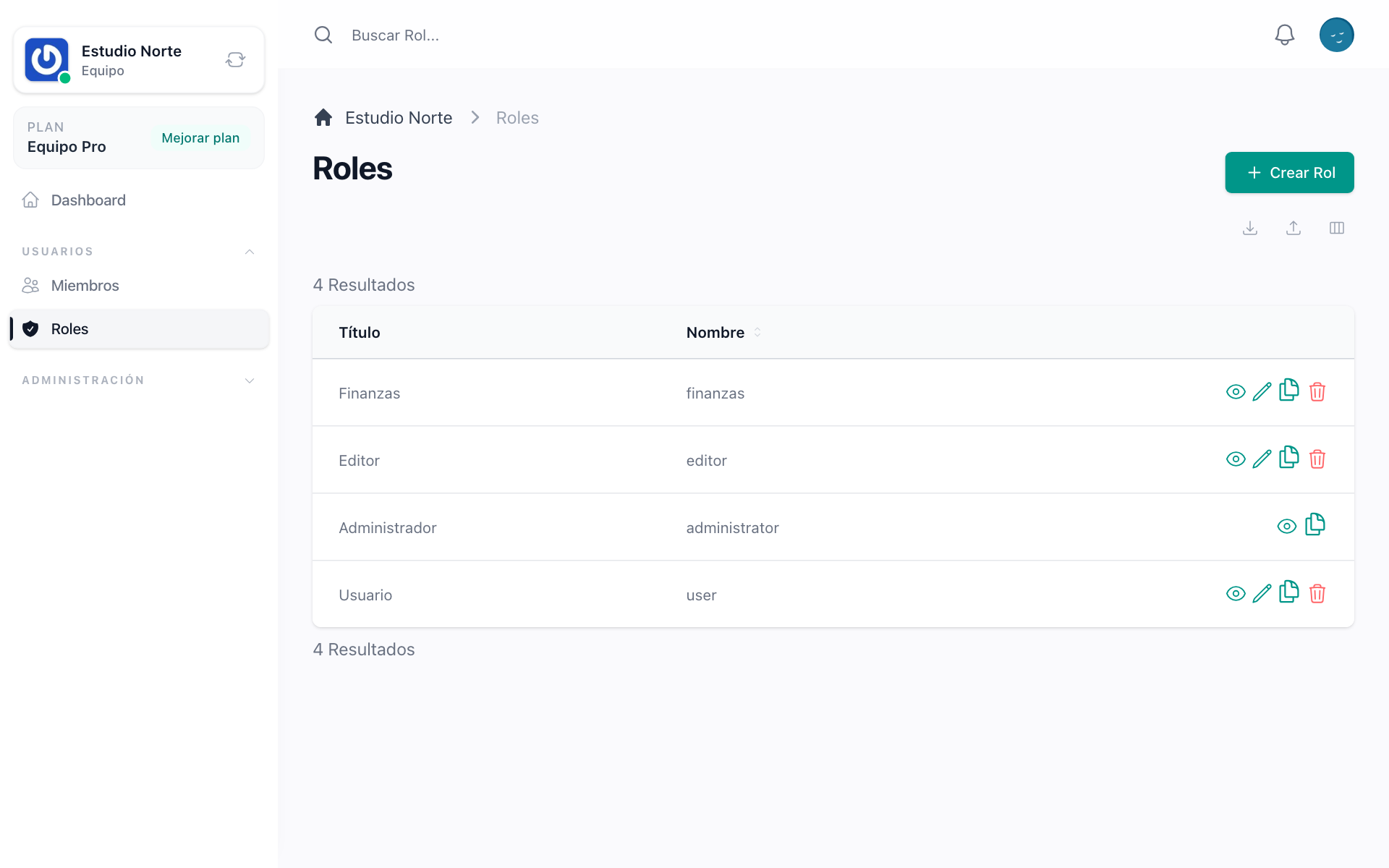
Roles the team writes for itself
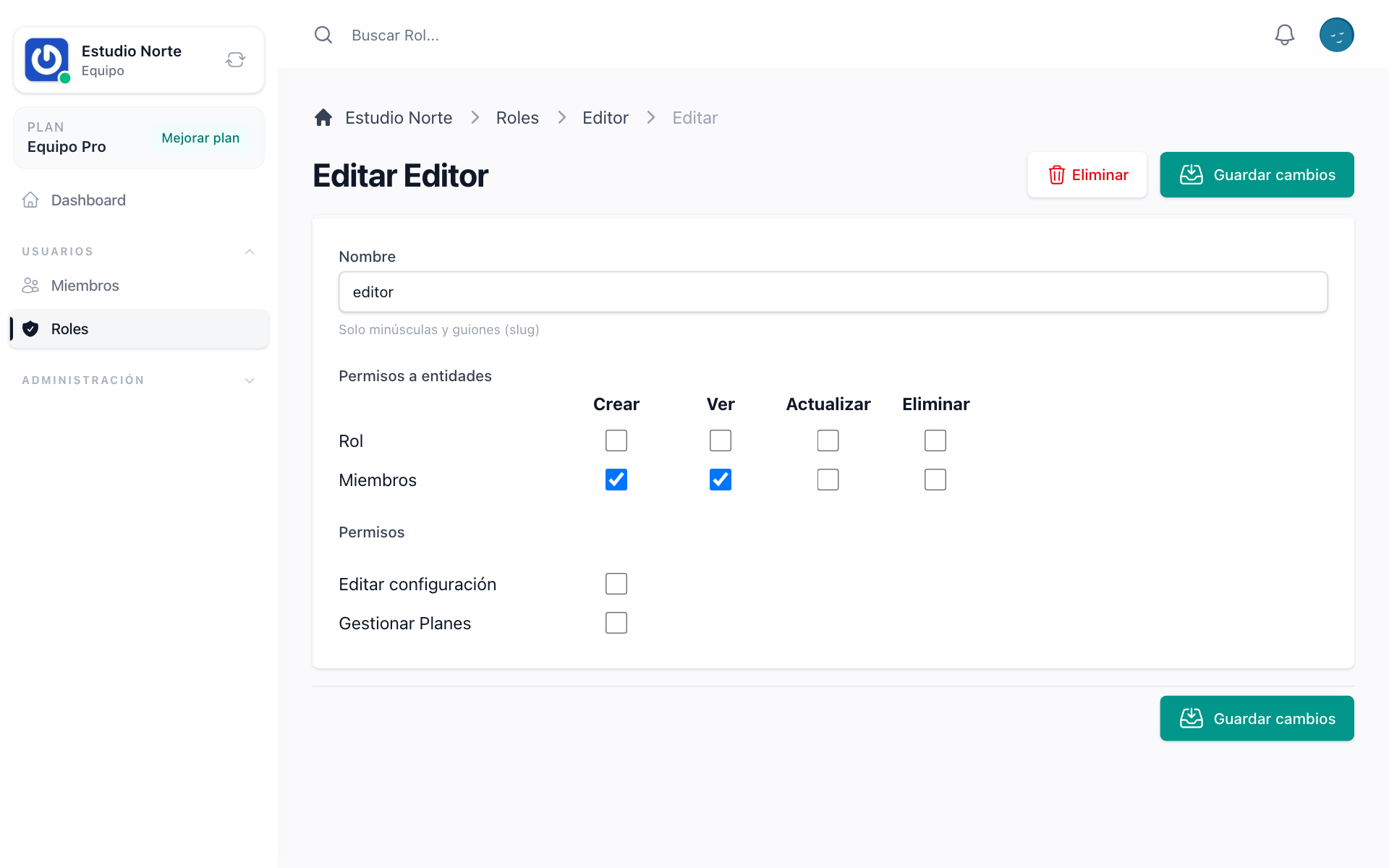
From the roles screen the team creates its own roles and ticks the permissions each one carries. A role can be cloned to start from one that already works, and its name only has to be unique inside the team.
Permissions your product defines
Members, settings and plans come with their permissions. Add yours in one config file and every team, new or old, offers them in its roles screen.
How to declare team permissions →Nothing leaks between teams
A permission is checked against the team the person is working in, never against another. The admin panel keeps its own global roles, so a product administrator and a team owner are two different people even when they are the same account.
How the guards are chosen →